Meta Muse: A Personal AI Agent With Its Own Computer
Most AI assistants stop at an answer. Ask one to plan a trip and you get an itinerary; the booking tabs are still yours to open. Meta's new Muse is built around the next step: it can open a browser, use connected services and continue a task after you close the app. If it reaches a sensitive action, such as sending an email or buying something, it is supposed to ask you first.
That makes Muse more interesting than another chatbot launch. It also makes the real question sharper: how much of your digital life would you hand to an agent that can act?
What Muse actually does
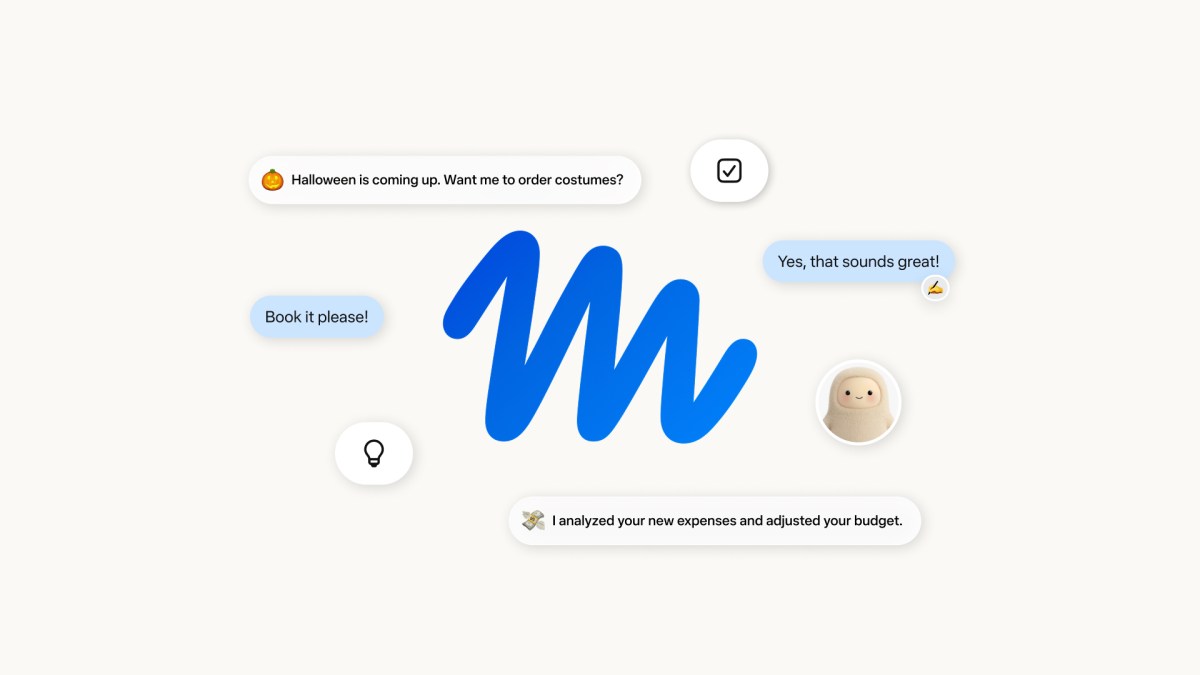
Meta describes Muse as a personal agent powered by its Muse Spark model. You can talk to it in the Muse app or through WhatsApp. It runs in a dedicated cloud virtual machine with a browser, so it can fill in forms, work across connected apps and return with progress or an approval request. Meta's examples range from booking travel and sending email to coordinating longer projects. Muse can also remember preferences and details you have shared, then suggest a next step without waiting for a new prompt.
The distinction between the product names matters. Muse is the agent you interact with; Muse Spark is the model that helps power it. A better model alone would not make an assistant able to use websites, store credentials or ask for approval at the right moment. Those are product and system-design decisions.
As of September 23, 2026, Muse is rolling out in the United States on iOS, Android and the web. Meta says most everyday use is free, with subscription plans for heavier use. It has said support for AI glasses is coming, so glasses are a future access point, not a current feature to assume is available.
The computer is part of the product
The most consequential design choice is the Muse Secure VM: a separate cloud computer for each user. It holds the agent's workspace and the data for services that user connects. The agent's working environment is isolated from the parts that store credentials and enforce permissions. Meta says the agent does not see real passwords or payment credentials; separate services supply them only when an approved action needs them.
Another component, Sentinel, decides whether a requested connector action or outgoing network request is allowed, denied or sent to you for approval. According to Meta's technical account, Muse proposes an action, but Sentinel has the authority to permit it. Approval appears in the client interface rather than as a conversational message the agent could rewrite. Users can limit what a connection may do, disconnect it and inspect an audit trail of actions.

That separation addresses a concrete problem. An agent browsing the web will read pages, messages and files written by other people. Some of that material may contain instructions intended to redirect the agent. Meta says Muse treats outside content as untrusted, checks it for prompt injection and routes sensitive actions through additional controls. This is a design claim, not proof that attacks or mistakes are impossible: Meta explicitly says Muse can still make mistakes and remains vulnerable to attempts to manipulate it.
Privacy has a boundary today
Meta says Muse does not pass conversations or the contents of a user's VM to its ad systems. It also says users can opt out of having their interactions used to train its AI models and can tell Muse to forget specific memories. Those are meaningful controls, but they do not mean Meta currently has no access to the service's data.
Meta's security paper says limited data leaves the VM for model inference and telemetry, and that operational access to VM data is restricted by policy. It also says the present design does not technically prevent Meta from accessing data when necessary to operate, secure or support Muse. A planned Muse Confidential VM is intended to add that stronger, cryptographic boundary later in 2026. It should be judged when it ships and can be audited, rather than counted as a launch feature.
There is a second practical limit: an agent may be willing to use a website that does not welcome it. On September 21, Axios reported that Amazon blocked Muse from browsing and buying on its marketplace. That is an early reminder that permission from the user and permission from the service are separate. A general-purpose browser does not guarantee general-purpose access.
What to watch next
Muse's strongest idea is simple: give the agent a persistent place to work, then make its actions visible and controllable. If that works reliably, the everyday value will be less time spent switching among apps and re-explaining context. The useful test is not whether Muse can produce an impressive plan. It is whether it can complete an ordinary task, ask only when the decision matters and leave a clear record of what happened.
For now, three questions matter more than a launch demo: How often does the agent finish a task without repair? How well do its safeguards hold up on hostile pages and messages? And how many services will allow it to act? Meta has published unusually detailed answers about its security architecture. The answers about reliability and access will come from use in the wild.
Sources: Meta's Muse announcement; Meta AI Research on Muse's safety and security design; Axios on Amazon blocking Muse.